

CapyParse
Convert PDFs, images and bank statements to CSV or Excel with AI
Introduction
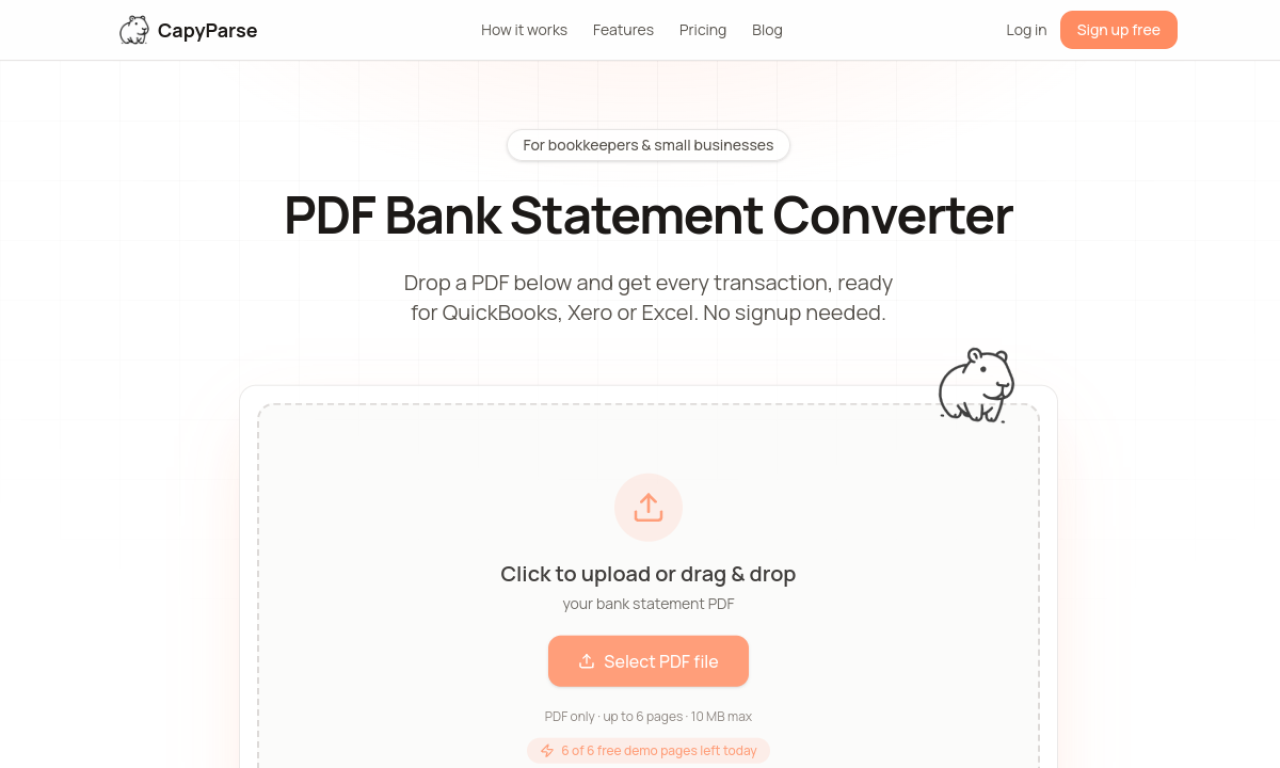
CapyParse extracts tables from PDFs and images and converts them into CSV or Excel files. It includes a dedicated bank statement converter for use with accounting software. Subscription plans come with a 14-day free trial.
- Added on
- Nov 2, 2026
- Website
- capyparse.com
- Pricing model
- Freemium
Product information
What is CapyParse?
CapyParse is an AI converter that turns tabular data in PDFs, images and bank statements into CSV and Excel. It reads both the text and the visual layout of complex tables.
How to use CapyParse?
Upload a PDF, JPG or PNG that contains tables and the AI extracts the data into CSV. For bank statements, use the specialized Bank Statement Converter.
Core features of CapyParse
- PDF to CSV conversion
- Bank statement processing
- Image to CSV conversion
- Automatic table extraction
- AI data recognition
Use cases of CapyParse
- 1Converting bank statements for accounting software
- 2Pulling tables from PDF invoices
- 3Turning image-based tables into CSV for analysis
Frequently asked questions about CapyParse
How do credits work in CapyParse?+
Each credit equals one conversion: one PDF page or one image. Subscription credits reset each billing cycle, while pay-as-you-go credits stay valid for one year.
Does CapyParse have a free trial?+
All subscription plans include a 14-day free trial that can be canceled without charge during the trial.
What file types can CapyParse convert?+
Any PDF page with tabular data, such as bank statements, invoices and financial reports. Plus plan users can also convert JPG and PNG images.
Which category is CapyParse in?+
CapyParse is listed under AI PDF Tools.