

ChatExcel AI
Chat-style AI that analyzes spreadsheets and builds reports
Introduction
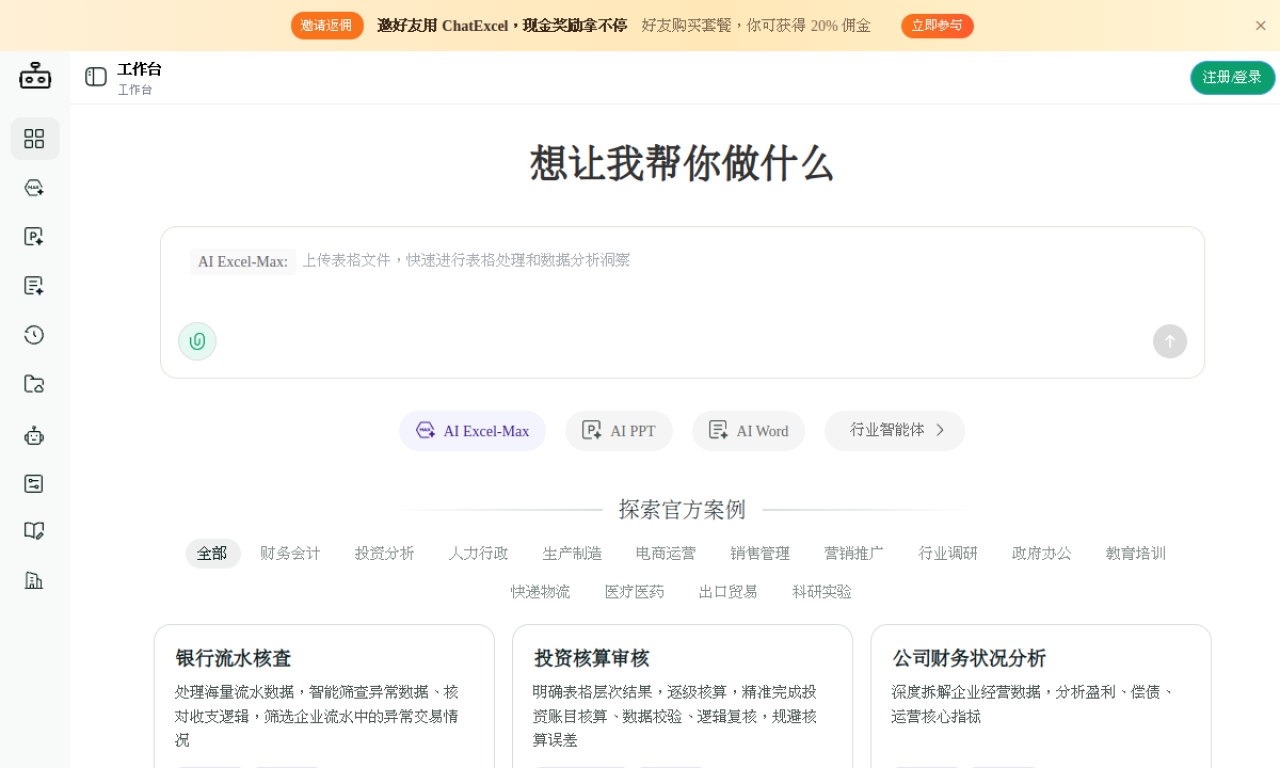
ChatExcel AI lets you work with tables and documents by typing instructions instead of formulas or code. It can analyze data, make charts and dashboards, and produce PPT, Word and HTML reports.
- Added on
- Nov 2, 2026
- Website
- www.chatexcel.com
- Pricing model
- Freemium
Product information
What is ChatExcel AI?
An AI assistant for spreadsheets and documents that handles table processing, analysis and report creation through chat.
How to use ChatExcel AI?
Upload a file or drag it into the workspace, then tell the AI in chat what you want done, such as cleaning, analysis, reconciliation or a dashboard.
Core features of ChatExcel AI
- Table processing in chat without formulas or code
- Data analysis, cleaning and cross-sheet reconciliation
- PPT, Word, HTML report and dashboard output
- CSV, XLS, XLSX, PDF, DOCX, TXT, MD and image uploads
- Industry templates for finance, HR, e-commerce, logistics
Use cases of ChatExcel AI
- 1Scan bank statements for abnormal transactions
- 2Review company financial health and profitability
- 3Build sales dashboards
- 4Summarize HR recruitment and attendance data
- 5Create logistics monitoring dashboards
Frequently asked questions about ChatExcel AI
How do I use ChatExcel AI?+
Upload a file to the workspace, then describe the task in chat. It can clean and analyze tables, reconcile data and generate dashboards.
Which file types does ChatExcel AI support?+
CSV, XLS, XLSX, PDF, DOCX, TXT, MD and images, up to 100 MB per file with no stated cap on file count.
Which category is ChatExcel AI in?+
ChatExcel AI is listed under AI Data Analysis.