

Command Code
Terminal coding agent that learns your style from accepts, rejects and edits
Introduction
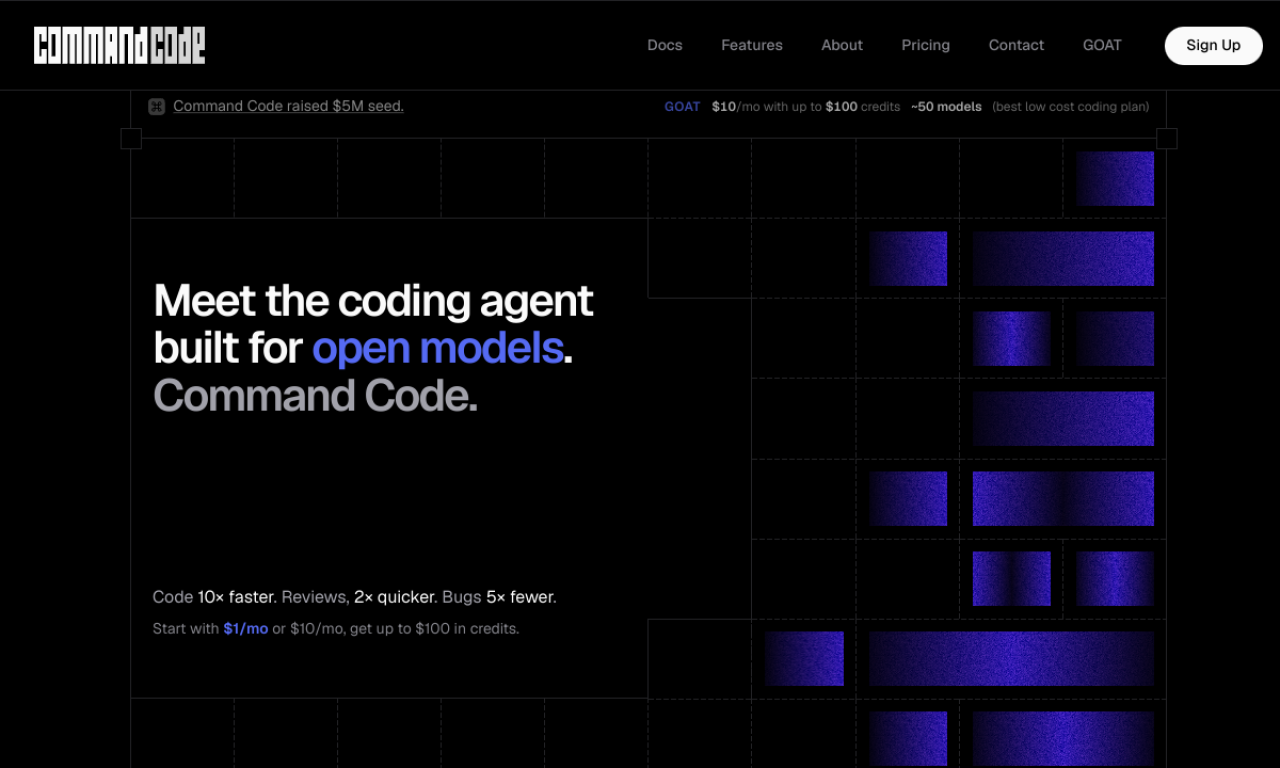
Command Code is an AI coding agent for the terminal that writes code, fixes bugs, runs tests and refactors. It treats each accept, reject and edit as a signal and keeps your conventions as project skills and personal memory on your own machine. Teams can share them with taste push and taste pull.
- Added on
- Nov 2, 2026
- Website
- commandcode.ai
- Pricing model
- Freemium
- Company
- Command Code
Product information
What is Command Code?
Command Code is a terminal-first coding agent that learns your preferred patterns over time. It supports interactive, headless and background sandbox modes.
How to use Command Code?
Install it with npm i -g command-code, sign in and run it from your terminal. Accept, reject or edit its suggestions so it learns your taste, and share project skills with npx taste push and npx taste pull.
Core features of Command Code
- Learns taste from accepts, rejects and edits
- Interactive, headless and sandbox modes
- Built-in file, shell and grep tools
- Persistent skills and memory
- Team taste sharing
- Many open-source and premium models
Use cases of Command Code
- 1Building or refactoring a CLI app to your conventions
- 2Generating tests and fixing failures
- 3Creating API routes while keeping patterns consistent
- 4Sharing coding preferences across a team
Frequently asked questions about Command Code
Does Command Code train on my code?+
No. It says your code, skills and memory stay on your machine and it never trains on your work.
Which models can Command Code use?+
Anthropic, OpenAI, Google, xAI, DeepSeek, Qwen, Kimi, GLM, MiniMax and more.
How much does Command Code cost?+
The lowest listed plan is Go at $1/month plus a processing fee, with $10 in credits included.
Which category is Command Code in?+
Command Code is listed under AI Agents, AI Code Editor, AI Code Assistant.