

Cursor - The AI Code Editor
AI-powered code editor for enhanced developer productivity.
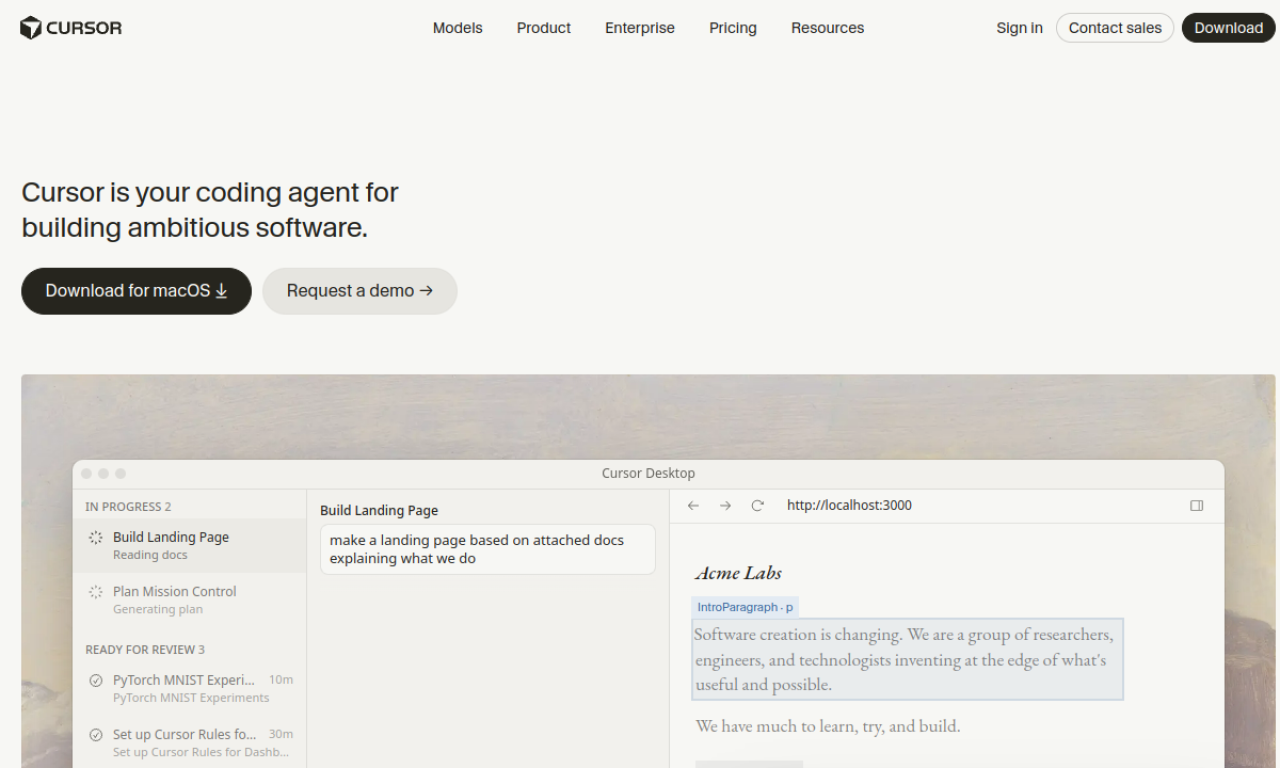
Introduction
AI-powered code editor for enhanced developer productivity.
- Added on
- Nov 1, 2026
- Website
- cursor.sh
- Pricing model
- Freemium
- Company
- Anysphere
Product information
What is Cursor - The AI Code Editor?
Cursor is an AI-powered code editor from Anysphere that aims to feel familiar while adding smart completion, codebase questions and natural-language editing.
How to use Cursor - The AI Code Editor?
Download and install Cursor, import your existing extensions, themes and keybindings, then start coding with tab completion, natural-language edits and questions about your codebase.
Core features of Cursor - The AI Code Editor
- AI code completion
- Natural-language code editing
- Codebase Q&A
- Selectable models
- Privacy mode
Use cases of Cursor - The AI Code Editor
- 1Speeding up everyday development
- 2Understanding and changing an unfamiliar codebase
- 3Automating repetitive coding work
Frequently asked questions about Cursor - The AI Code Editor
How do I get started with Cursor?+
Install the editor, import your extensions, themes and keybindings, and begin using its AI features.
Does Cursor have privacy options?+
Yes. Privacy mode keeps your code from being stored remotely, and Cursor states it is SOC 2 certified.
Which companies use Cursor?+
Cursor lists engineers at companies such as Stripe, Shopify and Samsung among its users.
Which category is Cursor - The AI Code Editor in?+
Cursor - The AI Code Editor is listed under Coding, AI Code Assistant.