

Immersive Translate
Browser extension for bilingual web pages, documents, subtitles and image translation.
Introduction
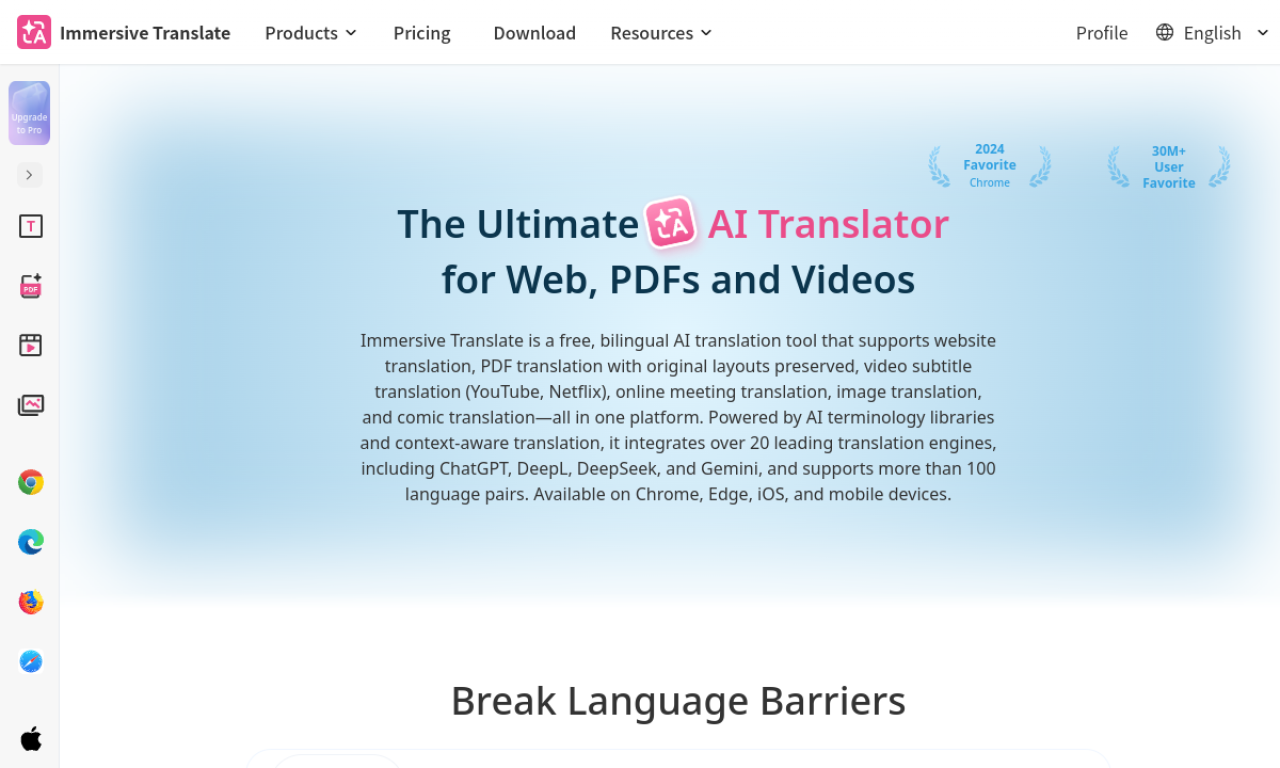
Immersive Translate shows web pages side by side in two languages and also handles PDFs, EPUB books and video subtitles. It can connect to translation engines such as DeepL, Google Translate, OpenAI and Gemini.
- Added on
- Nov 2, 2026
- Website
- immersivetranslate.com
- Pricing model
- Freemium
Product information
What is Immersive Translate?
Immersive Translate is a translation extension offering bilingual page translation, document translation and subtitle translation for sites like YouTube and Netflix.
How to use Immersive Translate?
Install the browser extension and open a foreign-language page; it finds the main content and adds bilingual text. For documents, upload them to the Immersive Translate platform.
Core features of Immersive Translate
- Bilingual webpage translation
- PDF and EPUB translation
- Bilingual video subtitles
- Multiple translation engines
- Image translation
- Mouse hover translation
Use cases of Immersive Translate
- 1Browsing foreign-language websites
- 2Reading papers and eBooks bilingually
- 3Language learning with dual subtitles
- 4Writing in a foreign language
- 5One-click image translation
Frequently asked questions about Immersive Translate
Which translation engines does Immersive Translate support?+
Options include DeepL, Google Translate, OpenAI, Gemini and several others.
What files can Immersive Translate translate?+
PDF, EPUB, TXT and other document types, as well as video subtitles.
How do I use Immersive Translate?+
Install the extension and visit a foreign-language page to see bilingual text.
Which category is Immersive Translate in?+
Immersive Translate is listed under AI Translator, AI PDF Tools.