

Kick
Automated bookkeeping that categorizes transactions for entrepreneurs and accountants.
Introduction
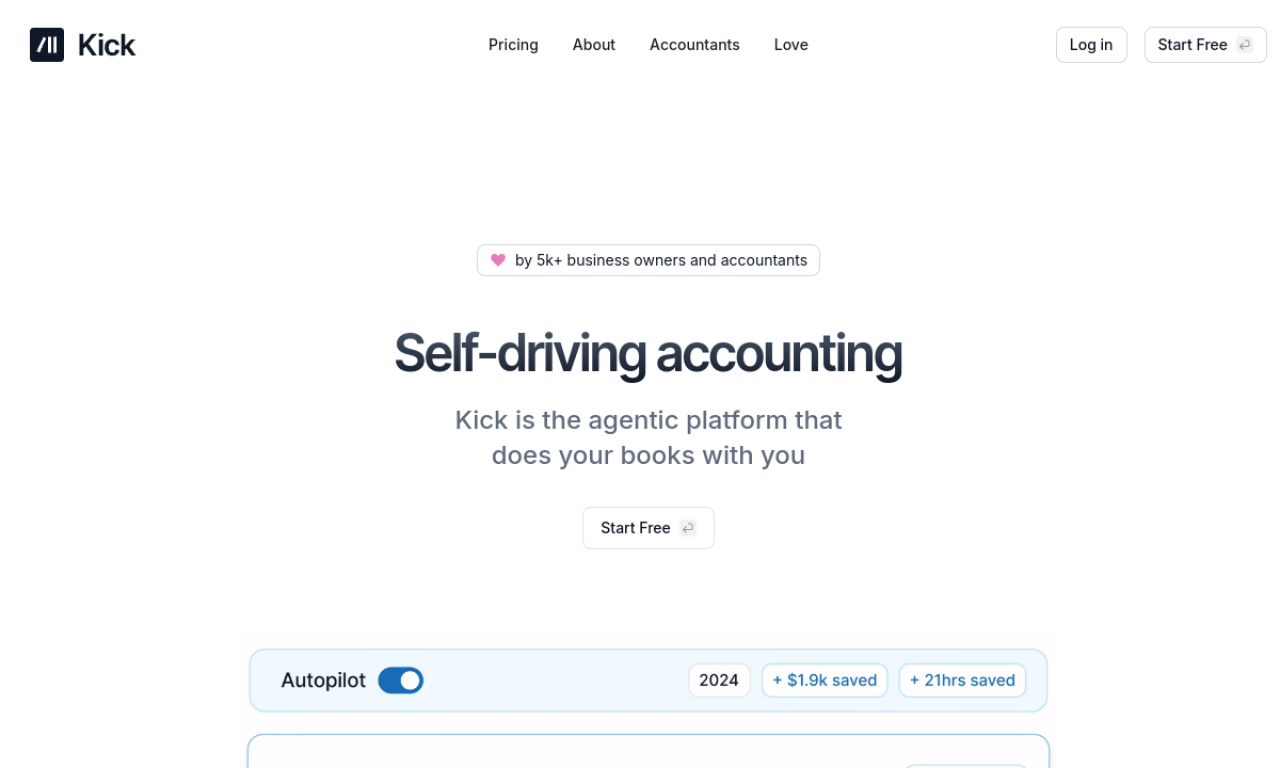
Kick is bookkeeping software that automates routine accounting work for business owners and accountants. After you connect your business accounts, it categorizes transactions automatically and lets you tune the rules. It also flags possible deductions, supports multiple entities and produces tax-ready financials.
- Added on
- Nov 2, 2026
- Website
- kick.co
- Pricing model
- Free
Product information
What is Kick?
Kick is a personal bookkeeper for entrepreneurs and accountants that handles bookkeeping tasks automatically to save time and money.
How to use Kick?
Create a free account and connect your business accounts. Kick categorizes transactions automatically, and you can customize rules and review insights.
Core features of Kick
- Self-driving bookkeeping
- Auto-categorization of transactions
- Deduction identification
- Multi-entity support
- Tax-ready financials
Use cases of Kick
- 1Automating bookkeeping for small business owners
- 2Managing finances across several business entities
- 3Preparing tax-ready financial statements
- 4Spotting potential tax deductions
- 5Streamlining accountants' workflows
Frequently asked questions about Kick
Is Kick free to use?+
Kick says it is free to use, or that it pays for itself.
How do I start using Kick?+
Create a free account and connect your business accounts.
What does Kick automate?+
It auto-categorizes transactions and handles routine bookkeeping tasks.
Which category is Kick in?+
Kick is listed under AI Accounting.