

Kiro
An AI IDE that turns prompts into specs, designs and tasks before writing code.
Introduction
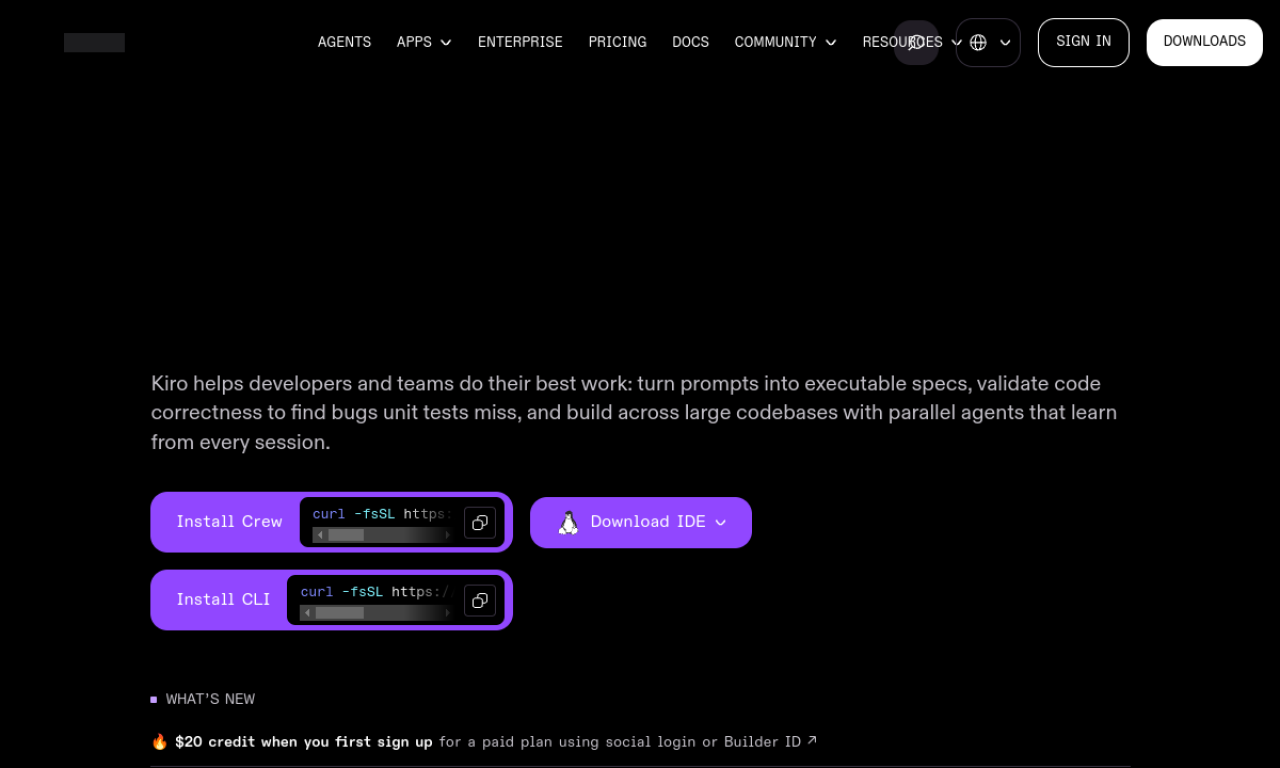
Kiro is an AI-powered IDE built around spec-driven development, which converts a prompt into requirements, a design and implementation tasks. Agent hooks automate chores such as documentation and unit tests, and MCP connects it to docs, databases and APIs. It is compatible with VS Code settings, themes and Open VSX plugins.
- Added on
- Nov 2, 2026
- Website
- kiro.dev
- Company
- Kiro
Product information
What is Kiro?
Kiro is an AI IDE meant to take software from prototype to production by adding structure to AI coding through spec-driven development.
How to use Kiro?
Give Kiro a prompt and it turns it into requirements, system designs and discrete tasks. You review the spec with it, and its agents then implement the work. You can download it for Linux to get started.
Core features of Kiro
- Spec-driven development
- Agent hooks for task automation
- Multimodal chat
- MCP integration
- Autopilot mode
- Steering files
Use cases of Kiro
- 1Building a file sharing application from scratch
- 2Making games with less manual coding
- 3Going from concept to prototype in a weekend
- 4Writing user stories and requirements
- 5Automating documentation, unit tests and optimization
Frequently asked questions about Kiro
What is spec-driven development in Kiro?+
It turns a prompt into clear requirements, structured designs and implementation tasks validated by tests, then code from agents.
How do I get started with Kiro?+
Download it and follow the quick guides and tutorials on the site.
Which models does Kiro support?+
Its listed features mention Claude Sonnet 3.7 and Sonnet 4.
Which category is Kiro in?+
Kiro is listed under AI Agents, AI Code Assistant.