

Label Studio
Open source data labeling tool for many data types, with ML backend integration.
Introduction
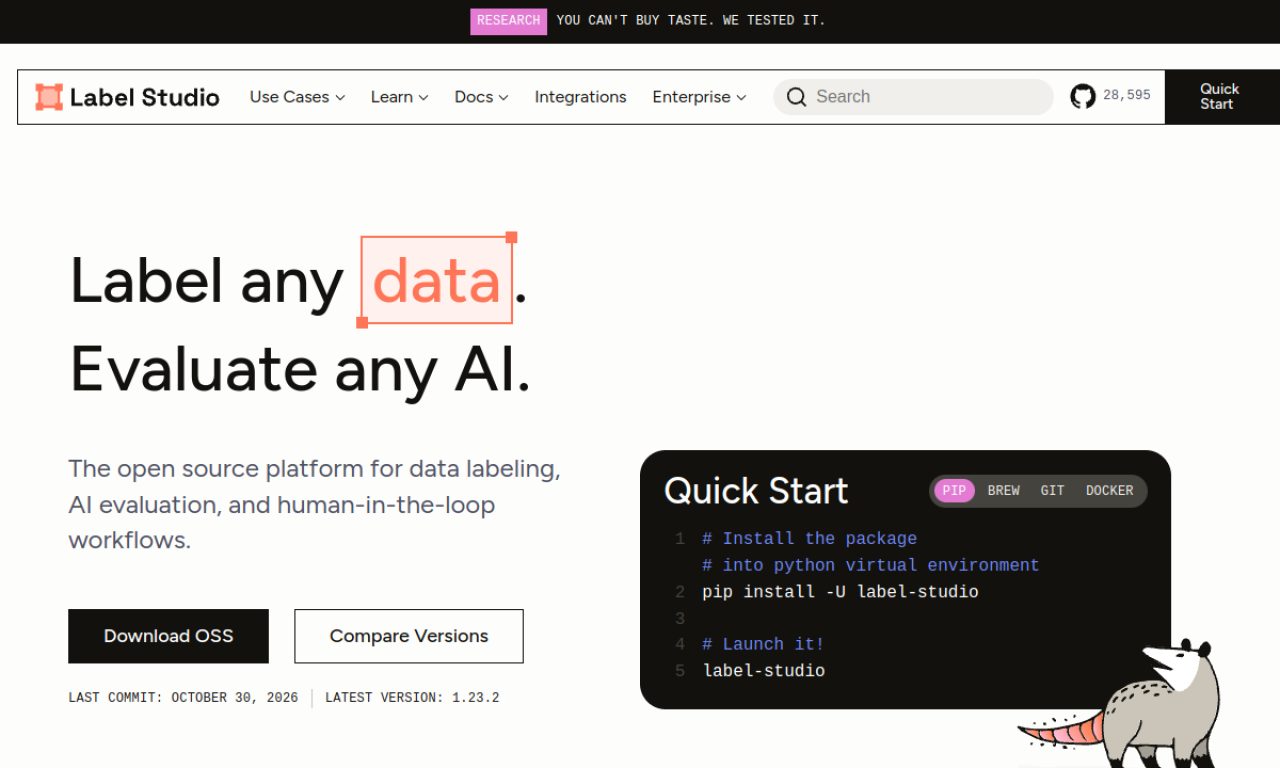
Label Studio is an open source tool for labeling images, audio, text, time series and video across multiple projects and users. It connects to ML backends, supports ML-assisted labeling and can be used for LLM fine-tuning, training data preparation and model validation.
- Added on
- Nov 2, 2026
- Website
- labelstud.io
- Company
- HumanSignal, Inc.
Product information
What is Label Studio?
Label Studio is a flexible open source platform for annotating data of many types and plugging it into ML pipelines.
How to use Label Studio?
Install via pip, Brew, Git or Docker, launch it, import data, create a project and label with customizable tags and templates.
Core features of Label Studio
- Images, audio, text, video and time series
- Configurable layouts and templates
- Webhooks, Python SDK and API
- ML-assisted labeling
- S3 and GCP storage connections
- Data Manager with filters
Use cases of Label Studio
- 1Image classification, detection and segmentation
- 2Audio classification and transcription
- 3NLP tasks such as entity recognition and sentiment
- 4Video classification and object tracking
- 5LLM fine-tuning and evaluation
Frequently asked questions about Label Studio
What data types does Label Studio support?+
Images, audio, text, time series, multi-domain and video.
How do I install Label Studio?+
Through pip, Brew, Git or Docker.
How does Label Studio connect to an ML pipeline?+
Via Webhooks, a Python SDK and an API for creating projects, importing tasks and managing predictions.
Which category is Label Studio in?+
Label Studio is listed under AI Code Editor.