

PDF to Word AI
Convert PDFs, including scans, into editable Word files in the browser
Introduction
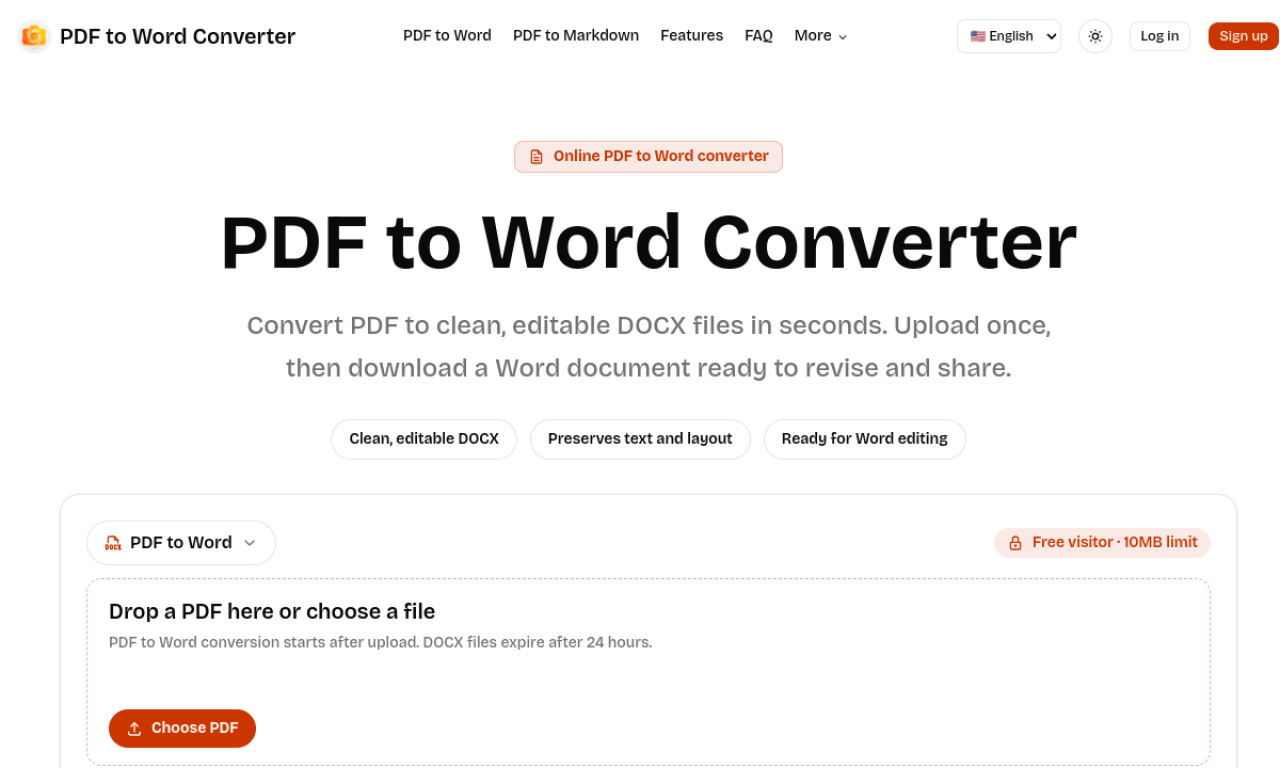
PDF to Word AI converts PDF files into editable DOCX documents directly in the browser. It handles both text-based PDFs and scanned documents and aims to keep the original text and layout for editing in Word, Google Docs or Pages. Files are temporary and are deleted automatically after 24 hours. File size limits depend on whether you are signed in or on a paid plan.
- Added on
- Nov 2, 2026
- Website
- pdftowordai.com
- Pricing model
- Freemium
- Company
- PDF to Word Converter
Product information
What is PDF to Word AI?
PDF to Word AI is an online converter that turns PDFs, including scanned files, into editable DOCX documents.
How to use PDF to Word AI?
Upload a PDF from your device. Conversion starts automatically, and when the status shows Ready, download the DOCX file. Registration is not needed for files up to 10MB.
Core features of PDF to Word AI
- PDF to editable DOCX conversion
- Support for text-based and scanned PDFs
- Background processing for long documents
- Live status updates
- Automatic deletion after 24 hours
Use cases of PDF to Word AI
- 1Turning a signed contract back into a Word document for revisions
- 2Converting a scanned page into editable text
- 3Updating older PDF reports for modern office suites
Frequently asked questions about PDF to Word AI
Is PDF to Word AI free?+
Yes. Visitors can convert files up to 10MB, signed-in users up to 20MB, and paid users up to 100MB.
Can PDF to Word AI convert scanned PDFs?+
Yes, scanned files are supported, though results depend on scan clarity, page angle and original quality.
How long are files kept?+
Files are temporary, with a default retention of 24 hours before they are removed from storage.
Which category is PDF to Word AI in?+
PDF to Word AI is listed under AI PDF Tools.