

PDFtoMD
Convert PDFs, including scans, into clean structured Markdown
Introduction
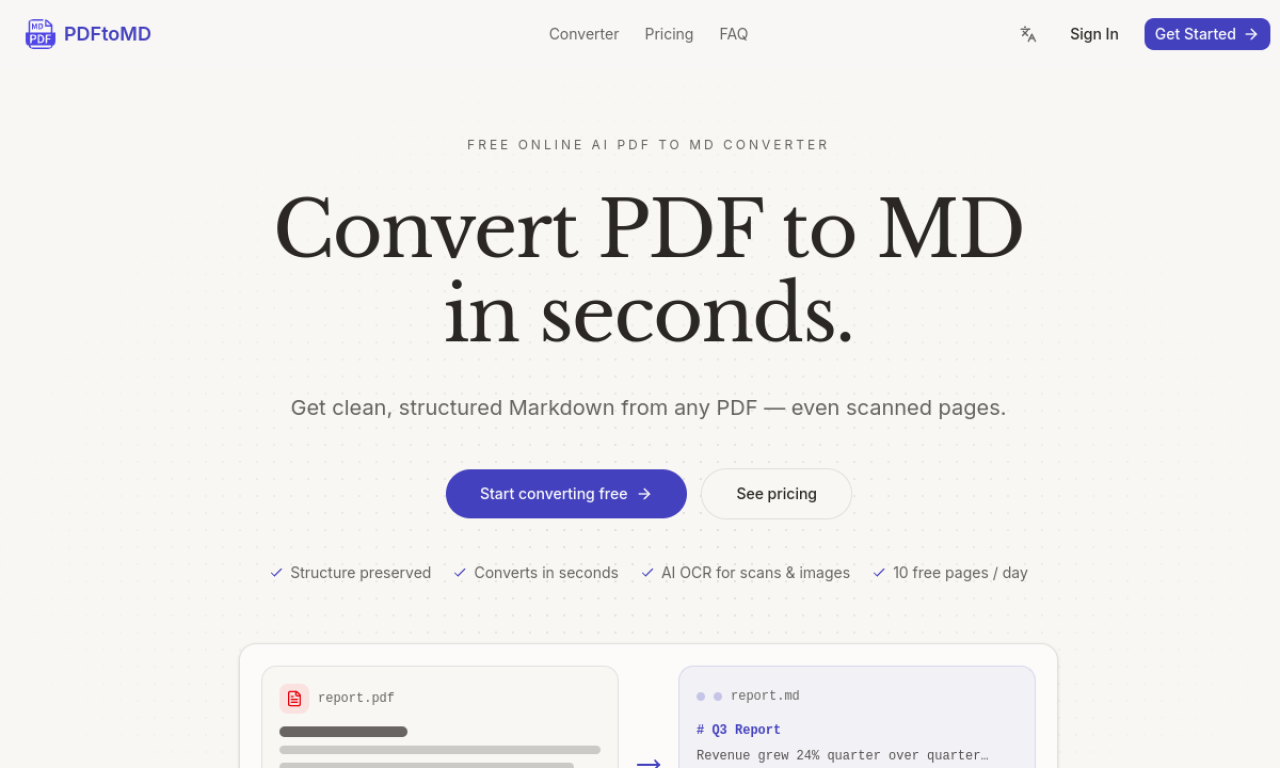
PDFtoMD is an online AI tool that converts PDFs into structured Markdown. Digital PDFs are read from their text layer, while scanned or image-based files go through OCR, and a Vision mode is available on paid plans for complex layouts such as tables and formulas. Headings, lists, paragraphs and reading order are kept. You can start without signing up and sign in to keep conversion history.
- Added on
- Nov 2, 2026
- Website
- pdf-to-md.net
- Pricing model
- Freemium
- Company
- PDFtoMD
Product information
What is PDFtoMD?
PDFtoMD is an online tool that converts digital and scanned PDFs into clean, structured Markdown.
How to use PDFtoMD?
Drag and drop a PDF or click to browse. The file is processed automatically, after which you can copy the Markdown or download the .md file. Sign in if you want conversion history.
Core features of PDFtoMD
- Accurate text extraction from digital PDFs
- Markdown output that keeps document structure
- OCR for scanned pages and images
- Fast conversion
- Conversion history for signed-in users
- Vision mode for complex layouts
Use cases of PDFtoMD
- 1Turning research papers or reports into notes and summaries
- 2Converting scanned documents into structured text
- 3Preparing PDF content for RAG pipelines and chatbots
- 4Moving documents into Obsidian, Notion or static site generators
Frequently asked questions about PDFtoMD
What is PDF to Markdown conversion?+
It pulls the text out of a PDF and rewrites it as Markdown, turning headings into Markdown headings and lists into list items.
Can PDFtoMD convert scanned PDFs?+
Yes, scanned and image-based PDFs are supported through OCR, and paid plans add Vision mode for more complex reconstruction.
What happens when I reach the daily limit?+
You can wait for the daily reset or upgrade to a paid plan with a larger monthly page allowance.
Which category is PDFtoMD in?+
PDFtoMD is listed under AI PDF Tools.