

PDFToQuiz
Turn PDFs, web page URLs, or plain text into interactive AI quizzes.
Introduction
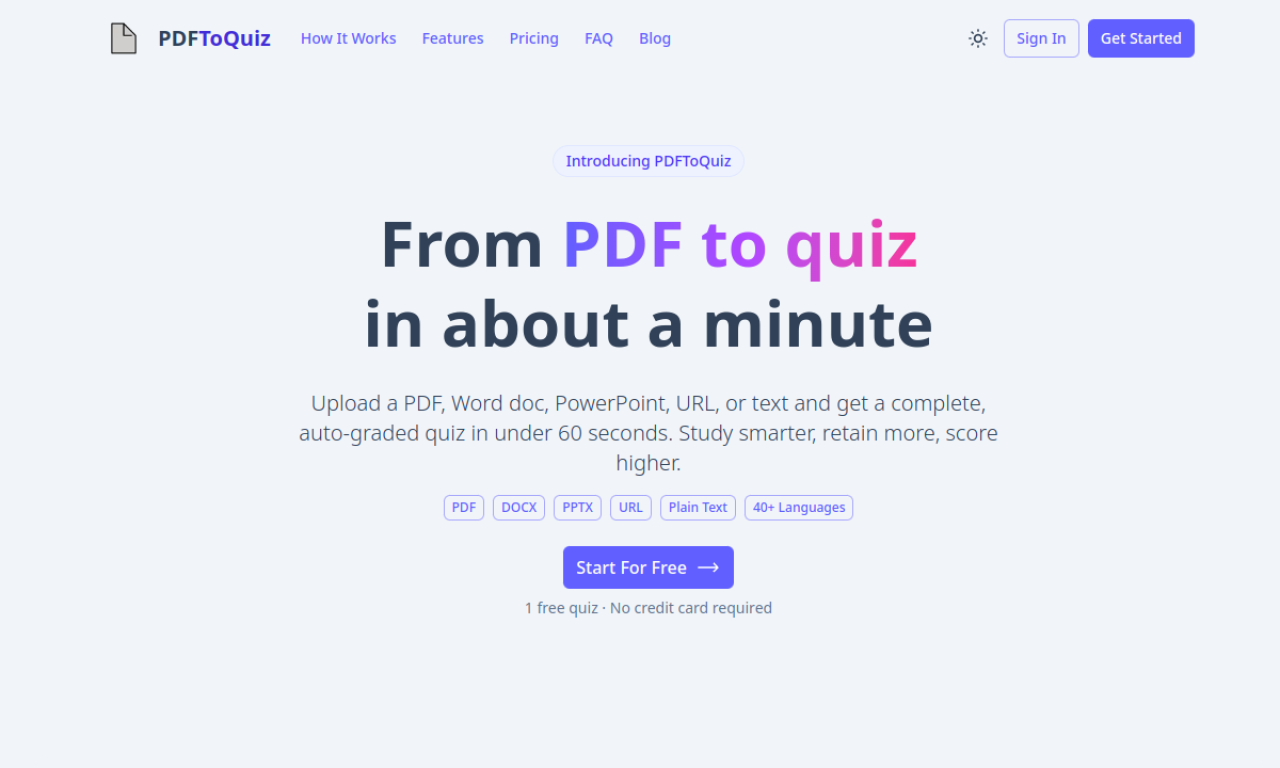
PDFToQuiz reads a PDF, a URL, or pasted text and generates quizzes in multiple choice, fill-in-the-blank, and true/false formats. Learners get instant feedback on their answers, which suits self-study, exam preparation, and employee training. The free plan allows 20 pages per upload, while the Pro plan raises the limit to 100 pages.
- Added on
- Nov 2, 2026
- Website
- www.pdftoquiz.com
- Pricing model
- Freemium
Product information
What is PDFToQuiz?
PDFToQuiz is an AI platform that converts PDFs, URLs, or text into interactive quizzes for education and self-testing.
How to use PDFToQuiz?
Upload a PDF, paste a URL, or enter text. The AI scans the material, picks out key facts, and builds a quiz that you can take right away.
Core features of PDFToQuiz
- PDF, URL, and text to quiz conversion
- Multiple choice, fill-in-the-blank, and true/false questions
- AI-generated questions from source material
- Instant feedback and results after each quiz
Use cases of PDFToQuiz
- 1Turning lecture notes into self-test quizzes
- 2Building interactive study guides from textbooks
- 3Checking retention after reading online articles
- 4Creating quizzes from training manuals for staff
Frequently asked questions about PDFToQuiz
What is PDFToQuiz?+
PDFToQuiz is an AI tool that converts PDFs, URLs, or text into quizzes with multiple choice, fill-in-the-blank, and true/false questions.
How do I use PDFToQuiz?+
Upload a PDF, enter a URL, or paste text. The AI generates a quiz from the material, and you receive instant results when you finish.
What are the PDF limits in PDFToQuiz?+
The free plan allows 20 pages per upload with a 4.5 MB file size limit. The Pro plan allows 100 pages per upload, with the same 4.5 MB file size limit but unlimited uploads.
Which category is PDFToQuiz in?+
PDFToQuiz is listed under AI PDF Tools.