

- 0 enregistrés
- 0 vues
- 0 vidéos
- Présentation:
- AI-powered code editor for enhanced developer productivity.
- Ajouté le:
- 1 nov. 2026
- Site web:
- cursor.sh
- Entreprise:
- Anysphere
Outils à la une
Présentation
Description affichée dans sa langue d’origine (English).
AI-powered code editor for enhanced developer productivity.
- Ajouté le
- 1 nov. 2026
- Site web
- cursor.sh
- Modèle tarifaire
- Freemium
- Entreprise
- Anysphere
Informations produit
Qu’est-ce que Cursor - The AI Code Editor ?
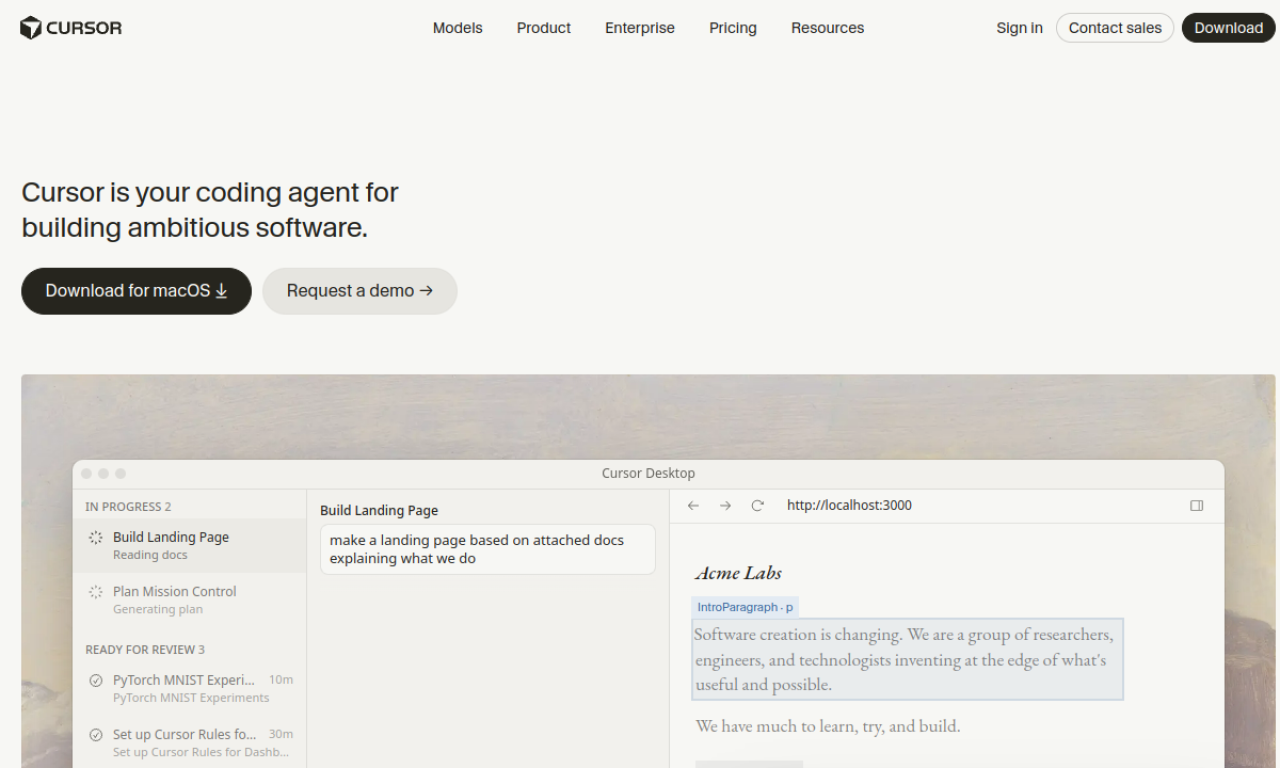
Cursor is an AI-powered code editor from Anysphere that aims to feel familiar while adding smart completion, codebase questions and natural-language editing.
Fonctionnalités principales de Cursor - The AI Code Editor
- AI code completion
- Natural-language code editing
- Codebase Q&A
- Selectable models
- Privacy mode
Cas d’usage de Cursor - The AI Code Editor
- 1Speeding up everyday development
- 2Understanding and changing an unfamiliar codebase
- 3Automating repetitive coding work
Comment utiliser Cursor - The AI Code Editor ?
Download and install Cursor, import your existing extensions, themes and keybindings, then start coding with tab completion, natural-language edits and questions about your codebase.
Questions fréquentes sur Cursor - The AI Code Editor
How do I get started with Cursor?+
Install the editor, import your extensions, themes and keybindings, and begin using its AI features.
Does Cursor have privacy options?+
Yes. Privacy mode keeps your code from being stored remotely, and Cursor states it is SOC 2 certified.
Which companies use Cursor?+
Cursor lists engineers at companies such as Stripe, Shopify and Samsung among its users.
Dans quelle catégorie se trouve Cursor - The AI Code Editor ?+
Cursor - The AI Code Editor est répertorié dans Programmation, Assistant de programmation IA.
Tags de Cursor - The AI Code Editor
codecodingIntégration du badge GoodAI
Soutenez Cursor - The AI Code Editor
Ajoutez ce badge à votre site pour montrer que Cursor - The AI Code Editor est présenté sur Good AI Life. Choisissez une version claire ou sombre, puis copiez le code d’intégration.
Autres badges →