

Firebase Studio
Browser-based workspace for building full-stack apps with Gemini
Introduction
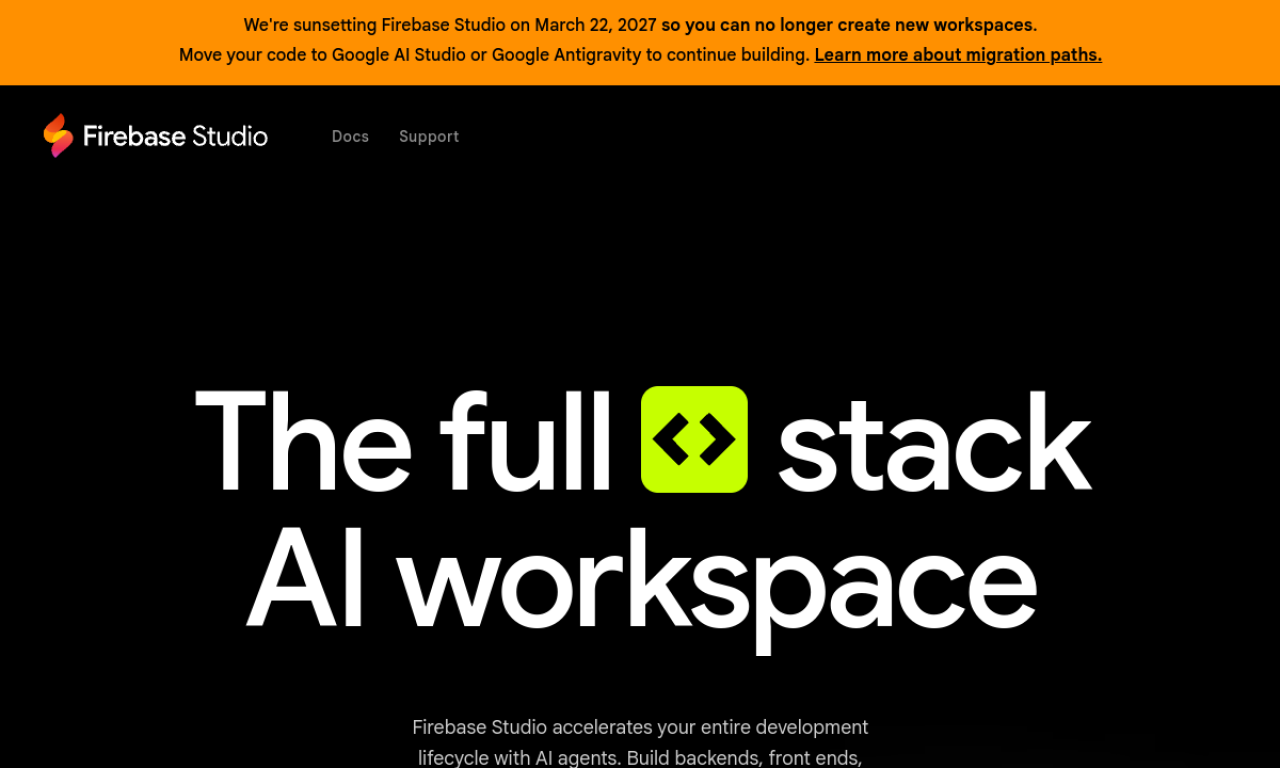
Firebase Studio is a web workspace where you can build backends, front ends and mobile apps with help from Gemini AI agents. Apps are previewed through cloud emulators, and you can import repos or start from natural language prompts and templates.
- Added on
- Nov 2, 2026
- Website
- firebase.studio
- Pricing model
- Free Trial
- Company
- Firebase
Product information
What is Firebase Studio?
Firebase Studio is an entirely web-based workspace for full-stack development with Gemini and full-fidelity app previews powered by cloud emulators.
How to use Firebase Studio?
Import a repository from GitHub, GitLab, Bitbucket or your machine, or use the App Prototyping agent to create an app from natural language, mockups, drawings or screenshots. You can also start from a framework template and customize the environment with Nix.
Core features of Firebase Studio
- Gemini-powered development
- Full-stack app building
- Cloud emulators and app previews
- App Prototyping agent
- GitHub, GitLab and Bitbucket import
- End-to-end testing
Use cases of Firebase Studio
- 1Build backends, front ends and mobile apps
- 2Prototype apps from natural language and mockups
- 3Test and optimize API endpoints
- 4Preview apps as users would see them
- 5Deploy to Firebase Hosting or Cloud Run
Frequently asked questions about Firebase Studio
How many workspaces does Firebase Studio offer during preview?+
Three workspaces at no cost during the preview, and up to 30 for Google Developer Program members.
Where can I deploy apps built in Firebase Studio?+
To Firebase Hosting, Cloud Run, or your own custom infrastructure.
What can Gemini Code Assist agents do in Firebase Studio?+
They help with tasks ranging from migration to AI testing.
Which category is Firebase Studio in?+
Firebase Studio is listed under AI Code Assistant, AI App Builder.